Digital Signage
Part of Digital signage in retail
Choosing screens from the viewing environment
Assess light, distance, angle, sunlight and installation conditions before choosing a retail signage screen.
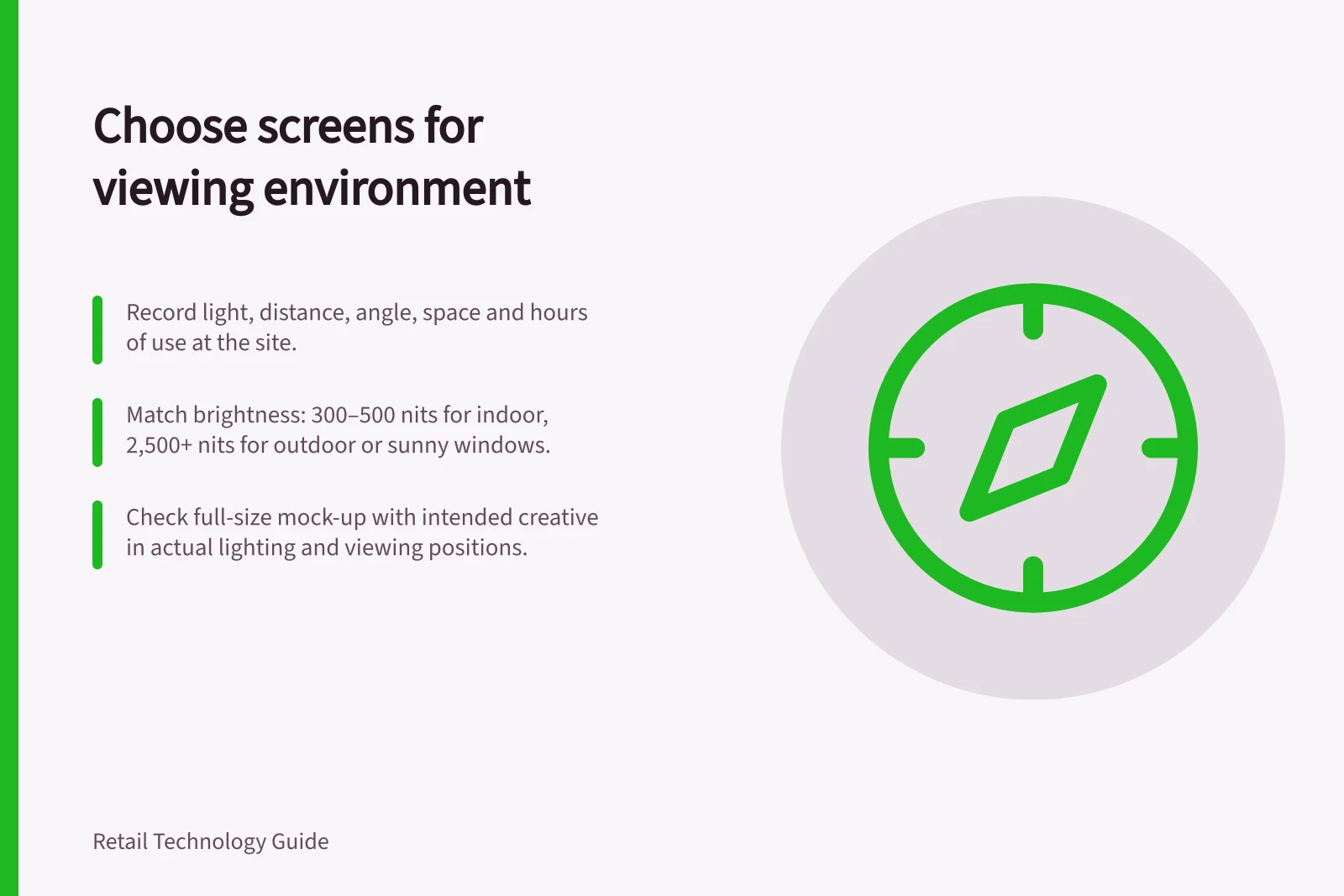
Choose a retail signage screen by first recording the viewing environment: light, distance, approach angle, available space and hours of use. Match brightness, viewing angle and enclosure protection to that position, then check the display and intended creative in a full-size mock-up.
Make a viewing brief
Stand where shoppers first need the message and where they might pause. Record the nearest and farthest intended viewing points, side and seated views, and any shelving, queues or other obstructions.
Visit in bright daylight and under evening lighting. For a window, check reflections from outside as well as light falling on the display inside, and note whether direct sun reaches the screen.
Use the intended creative only to test legibility: show it at full size on a mock-up or candidate display in the proposed position. Check it from the recorded viewing points; if it is hard to read, reassess the position or display specification.
Match the specification to the exposure
As rough reference points, Displays2Go gives 300–500 nits for standard indoor screens, 700–1,500 for bright indoor spaces, 1,500–2,500 for window-facing or semi-outdoor positions, and 2,500–5,000 or more for fully outdoor screens. onQ gives 350–700 nits for standard commercial LCDs, while its ultra-high-brightness range is 2,500–3,500 nits or more.
For direct sun, Litemax says 2,500–4,000 nits is usually a safer choice, and SONIQ recommends 2,500 nits or more. These are general ranges, not fixed thresholds; ask for the exact model’s stated rating and compare like with like.
Ask whether a quoted brightness is typical or peak: Displays2Go notes that peak brightness may be reached briefly, while typical brightness is what the screen sustains in normal operation. Check whether the model has an automatic brightness sensor; Samsung’s 46-inch OHDX-W and SONIQ’s outdoor displays are described with this feature.
Ask whether the display has an anti-glare coating or other optical treatment. The Litemax guide lists 178° as the viewing angle for its 55-inch DPF5501-LNN; treat that as a model-specific figure and check the candidate display from the actual approach angles.
The W3C’s WCAG 2.1 Success Criterion 1.4.3 (Level AA) sets a minimum contrast ratio of 4.5:1 for text and 3:1 for large text. Use this as a text-design check, not a guarantee of readability in sunlight; test the display in the light at the site.
For an outdoor position, check the exact model’s weather protection and operating limits. Samsung’s 46-inch Outdoor Signage OHDX-W (LH46OHDWBGBXXY) states IP56 and IK10 certification, an auto brightness sensor and a heat dissipation structure; SONIQ describes IP65 as dust-tight and protected against water jets, and IP66 as dust-tight and protected against powerful water jets.
Check the installation
Mark the full footprint, including the mount, cables, ventilation clearance and repair access. Check that the display will not block a route or cover another useful sign, and that shoppers can view it without standing in a queue.
Review the mock-up or candidate display with the intended colours and brightness setting, from the actual viewing positions and in the expected light. Check for glare, small text and information lost to cropping.
Ask for the model’s operating-temperature range, permitted portrait or landscape orientation, daily operating hours and power requirements. Confirm whether the proposed enclosure or mounting position affects ventilation.
Request a site-specific demonstration
Give suppliers the same location photos, viewing positions, trading hours and intended creative. Ask for the exact model specification, mounting proposal and operating limits, including typical brightness, viewing angle, enclosure rating and any anti-glare treatment.
If an on-site demonstration is possible, view the proposed screen in comparable light and from the intended positions. Record what you observed and what remains an assumption.
Choose a configuration that keeps the display usable from the intended position and can be maintained there. Recheck the final angle and settings after installation, as they may differ from the buying brief.