Digital Signage
Part of Digital signage in retail
Planning signage content that supports a shopper decision
Build retail screen messages around a shopper question, a substantiated answer, a clear action and an expiry rule.
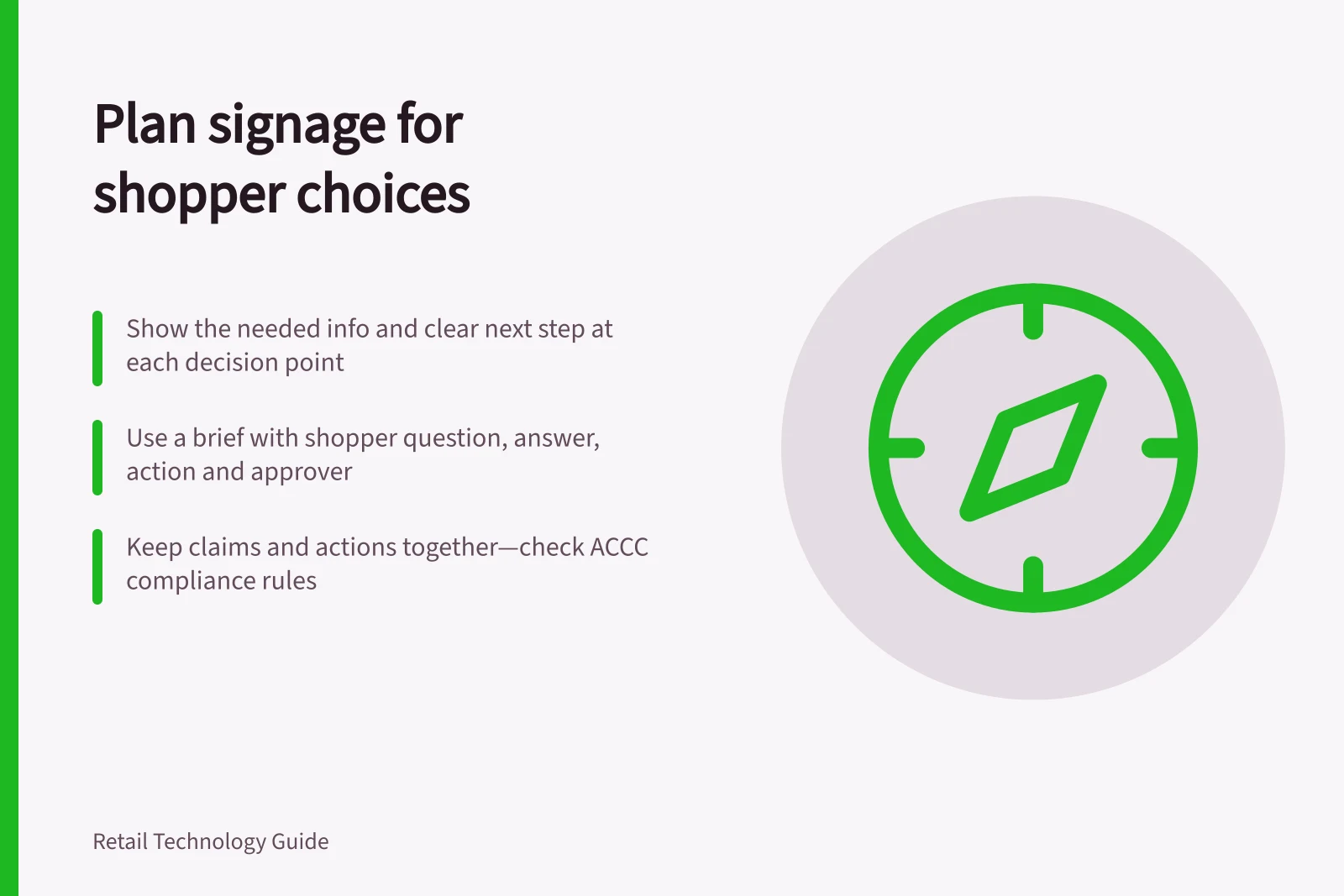
Plan each signage message around the choice a shopper can make at that spot. Show the information needed for that choice, then give a clear next step. A screen beside a range may help compare products; one at a service point may explain where to go. A single rotating presentation need not carry every store message.
Write the decision before the creative
Use a brief with four fields: the shopper’s question, the substantiated answer, the nearby action and the approver. For example, a shopper comparing two appliance sizes may need the capacity difference and where to see each model. An attractive film without that answer would serve another purpose.
Consider whether the shopper is moving or waiting. Make the main point understandable during a passing view. Put supporting detail where someone can stop without obstructing others. If a claim needs conditions too long to show clearly, narrow the claim and direct shoppers to a product label or colleague.
Keep the claim and action together
| Shopper decision | Content to consider | Check before release |
|---|---|---|
| Find a range | Range name and direction | The range is still in that location. |
| Compare options | Relevant product differences | Details match approved records. |
| Consider an offer | Product, price and material conditions | Dates, eligibility and checkout agree. |
| Ask for help | Where and how to get assistance | Staff can deliver the stated service. |
The ACCC can require businesses to back up claims they make about products or services. The ACCC says it can investigate and may take compliance or enforcement action if a business breaks price display rules. Review the whole screen as shoppers would see it, including imagery, price and conditions.
Design for the time available
Lead with the answer and use familiar product language. Check text size and contrast on the intended screen in its expected light. W3C guidance explains how low contrast and automatically changing content can create reading barriers on the web.
If content rotates, check what someone arriving partway through a sequence can understand. Keep essential directions available long enough to read. For a price or direction, a static frame may be clearer than motion.
Regulatory & Accessibility Guidelines for Retail Signage
- ACCC enforcement authority
- Yes – can investigate and take action on misleading claims
- Price display compliance
- Required under ACCC rules
- WCAG contrast requirement
- Minimum contrast ratio of 4.5:1 for text
- Pause/stop/hide functionality
- Required for user control over moving content
Set release and expiry rules
Record the approved product data, participating stores, start and end times, creative version and approver. Before scheduling an offer, check that its price and conditions agree with checkout for the same period. Set a replacement message for expiry or withdrawal, and name who can stop incorrect content promptly.
Signage software may support editing, scheduling and distribution. Those functions do not verify product truth or that the right message appears on the right physical display. After release, ask a store colleague to check it in context and provide a way to report wrong content, including the screen, message and time.
Review a small set of real shopper questions with store staff and willing shoppers. Ask whether the message answers the question and whether its next step is possible. Revise confusing wording or an unsupported promise before extending it to other locations.