Self-service Devices
Part of Retail equipment maintenance software
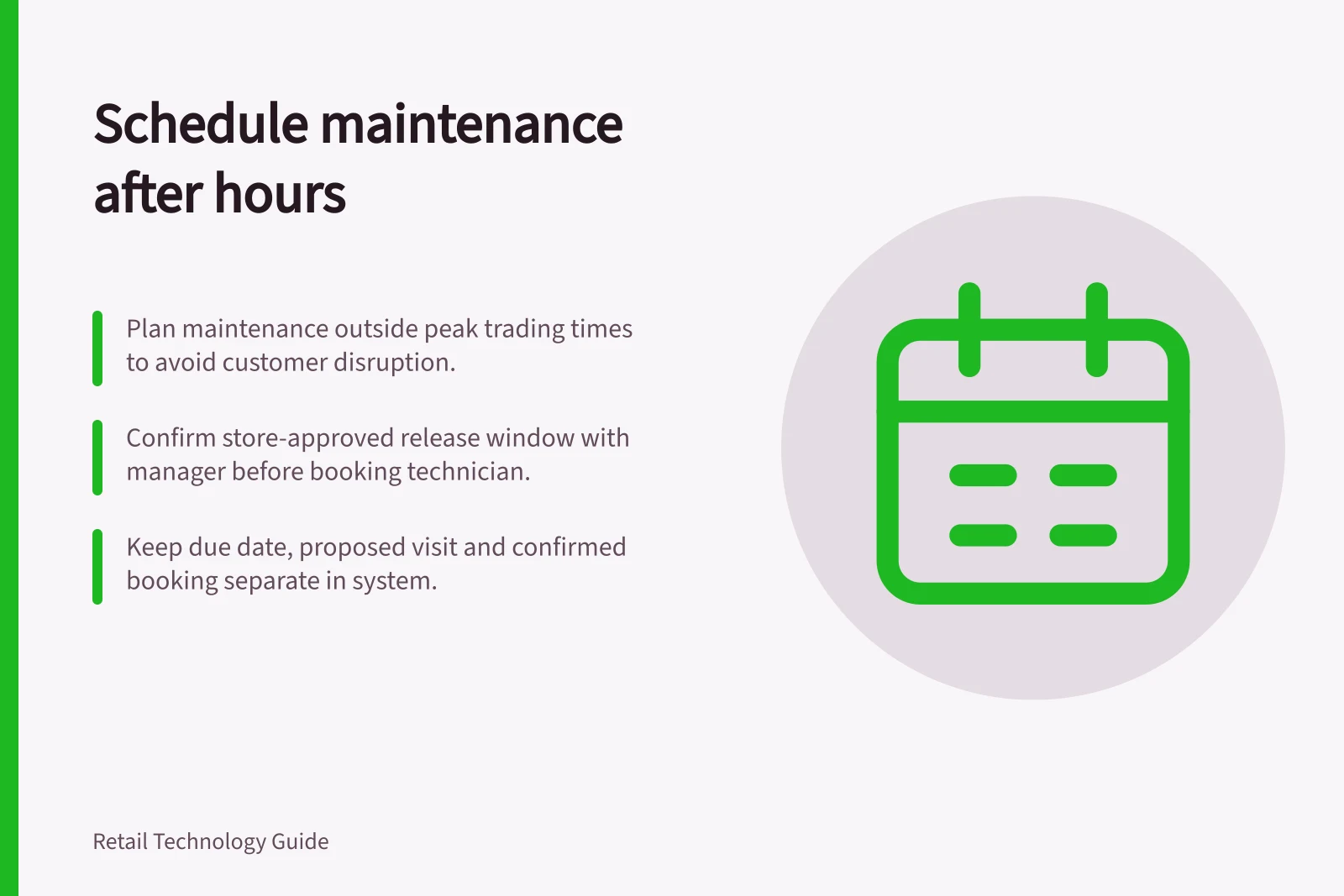
Scheduling maintenance outside peak trading hours
Choose store-approved maintenance windows, separate due dates from bookings and plan how customer-facing equipment returns to service.
Treat peak trading hours as the periods in a store’s trading pattern when taking a device offline would most disrupt its customer task. Plan a store-approved release window outside those periods, keeping the due date, proposed visit and confirmed booking separate. Include the full offline period and a customer-task check before returning the device to service.
Find the service window
The relevant peak depends on the device’s customer task: a payment device at the only open counter presents a different constraint from a spare display. Ask the store manager when taking the device offline would matter most.
Use the store’s trading pattern, promotions and local events to propose a window, then confirm it with the manager. A quiet sales period does not necessarily mean staff are free.
Agree on a store-approved release window that covers preparation, shutdown, work, restart and a check of the customer task. Confirm travel, parts, supplier access and the store contact before confirming the booking.
If work can be staged, state what remains usable between stages. If it cannot, agree on an alternative way to serve shoppers.
Scheduling question / Decision to record
- Which device is affected?
- Asset ID, store and task it supports
- When is work due?
- Planned date and permitted movement
- When may it be unavailable?
- Store-approved start and end window
- Who must attend?
- Technician, store contact and specialist if needed
- What restores service?
- Functional check and person accepting the device back
Keep the due date and booking separate
A preventive plan can generate future work orders before a technician is booked. Record the plan’s due date, proposed visit and confirmed visit separately. If a visit moves, retain the reason, new date and owner; do not treat a changed booking as a changed due date.
In MaintainX, the first work order due date anchors the plan. The start date is an offset: a 3-day offset places generated work order start dates three days before their due dates. The scheduling horizon controls how far ahead the plan creates work orders.
Check the recurrence rule. A schedule based on the original schedule keeps its milestones when work is completed early or late; one based on the last completion calculates future work from the previous completion date.
Dynamics 365 Field Service agreements can generate recurring work orders, and its schedule board shows resource availability and bookings; confirm separately that the store can release the device.
Confirm the booking and recovery plan
Confirm the work scope and parts with the technician or supplier, and access with the store. For an update or restart, identify who can approve it and what happens if the device does not recover by the end of the window.
Tell staff when to stop directing shoppers to the device and when the alternative service starts.
If a planned visit is deferred, retain its original due date, the reason, the new date and the owner. Review recurring deferrals and overruns by cause.
An urgent failure may require work during trading. Record why it could not wait, who approved the disruption and how service was maintained.
After the visit, compare the booked window with the actual offline period. Restart the device and check the customer task before release; record whether it passed.