Digital Signage
Part of Electronic shelf labels
Comparing shelf-label systems by update workflow
Compare Vusion, Pricer and SOLUM on the documented route from an approved price to a shelf label, with limits to verify in your store.
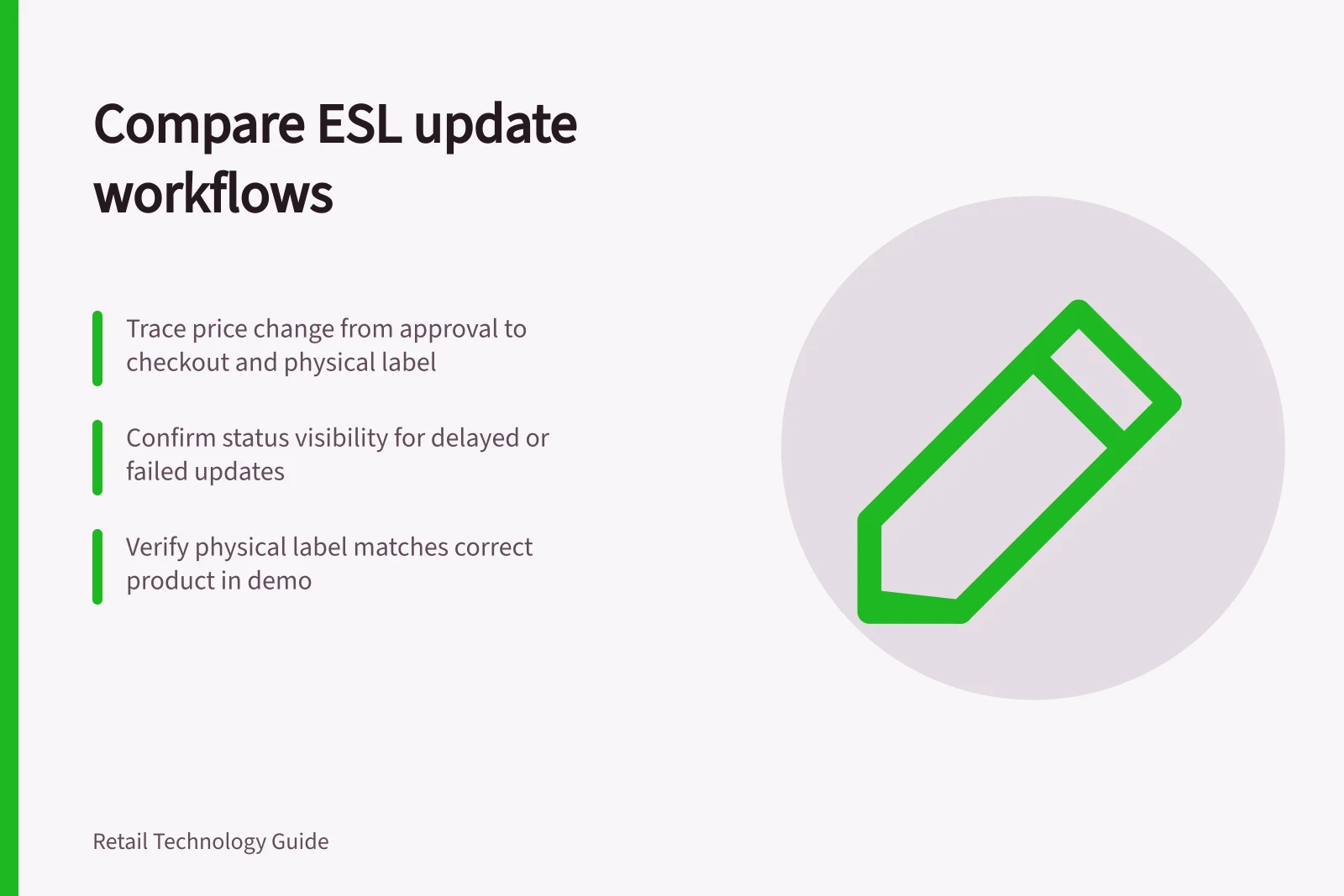
Compare electronic shelf-label systems by tracing one approved price change from the retailer's record to checkout and the physical label. A useful workflow makes the change, its timing and failures visible to the people who must act. A feature list cannot prove a proposed configuration completes that path.
Give every supplier the same scenario
Use one product, store and scheduled promotion. Ask where the price is approved, how the label system receives it, when checkout changes, what status is available for the label and who handles an exception.
Add a cancelled promotion and a label attached to the wrong product. Record what the demonstration shows and what still depends on integration.
Workflow question / Evidence to request
- Where does the price originate?
- Governing record and approval permissions.
- How is it released?
- Store selection, effective time and error-pause procedure.
- What confirms execution?
- Status for the intended label and a visual shelf check.
- What happens on failure?
- Alert, owner, customer response and recovery action.
- What is included?
- Proposed software tier, hardware, integration and support.
A dashboard can show device status without proving the tag sits beside the right item. Include the physical check in every demonstration.
Supplier-described capabilities and workflow checks
Vusion IoT Cloud
Vusion describes centrally prepared ESL updates and scheduled promotions. In a demonstration, trace an approved change through central release and confirm how staff identify a delayed or failed label update.
Vusion's FAQ notes cloud-based management and central campaign planning. Ask the supplier to demonstrate the approval-to-checkout-to-label path using the retailer's records, including an offline store and failed tag.
Pricer Plaza
Pricer describes Plaza as centralising ESL operations, with real-time visibility, status dashboards and customisable scan-to-flash rules. In a demonstration, trace an approved price change into Plaza, observe publication to the tag, then use the dashboard and scan-to-flash rules to locate and verify the physical label.
Have the supplier demonstrate the approved-price and checkout hand-offs on the retailer's records.
SOLUM Aims SaaS
SOLUM describes hosted subscription software that connects to store data through a Newton Gateway. Its page lists a dashboard, layout designer, manager app and third-party API integration. For the proposed configuration, ask the supplier to demonstrate how an approved price reaches the gateway and label, and how staff identify and resolve a failed update.
Update Workflow Comparison: From Approved Price to Shelf Label
- Price Approval OriginCentral system (retailer's POS or ERP)
- Release MechanismScheduled campaign via cloud platform
- Update TransmissionOver IoT network to ESL tags
- Physical VerificationScan-to-flash rule or visual shelf check
- Exception HandlingAlerts to staff, recovery via dashboard or app
Compare the proposed configurations
For each supplier, record the steps taken, evidence available, unresolved exceptions and quoted inclusions. Assign an owner to a wrong source price, a failed update and an incorrect label-to-product association.
Compare proposals and demonstrations without assuming supplier claims of speed or accuracy will hold in this store.
Supplier Capabilities in Key Workflow Areas
- Vusion IoT Cloud
- Centralised updates, offline store support, failure alerts
- Pricer Plaza
- Real-time status dashboards, scan-to-flash rules, central control
- SOLUM Aims SaaS
- Newton Gateway integration, API access, manager app for verification
Key Performance Indicators for Workflow Execution
- Failure Detection Speed
- Real-time alerts (Pricer Plaza)
- Physical Verification Method
- Scan-to-flash (Pricer), Visual check (Vusion & SOLUM)