Store Networks
Part of Retail workforce technology
Assigning store tasks with clear completion evidence
Define store tasks, choose proportionate completion evidence and keep blocked or rejected work visible to the right reviewer.
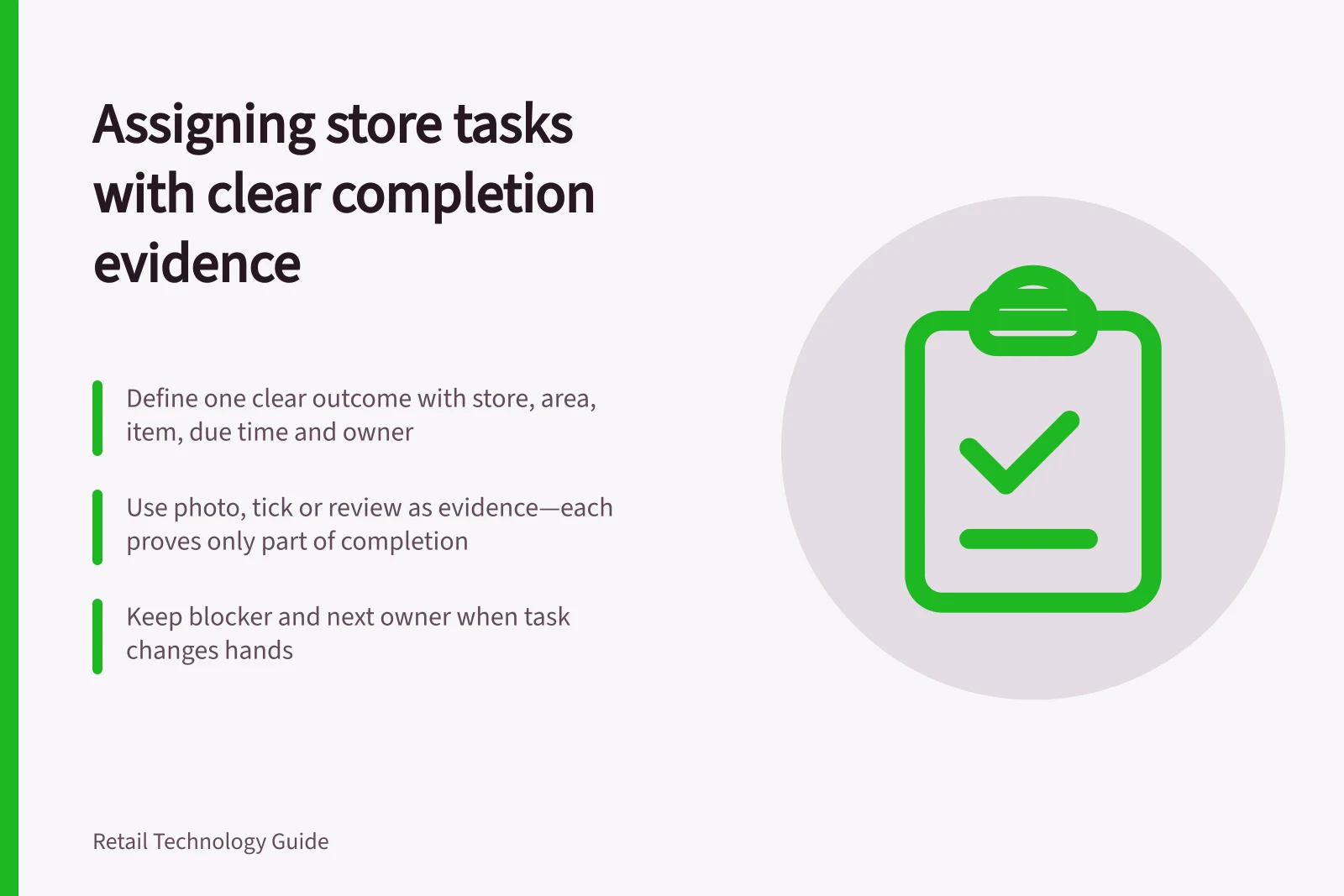
A store task is ready to assign when a colleague knows the required result, where and when to do the work, and how to report a blocker. Decide what counts as completion before sending it. A tick records a claim; a photo records a view; a review records another person's judgement. None proves every aspect of the result on its own.
State the result and owner
Give a task one recognisable outcome. Include the store and area, item or fixture, current approved instruction, due time, responsible role and escalation contact. If stock, a price file or a contractor must be ready first, say what staff should do when that dependency is missing.
For example, a promotion instruction might ask the opening team to place approved material beside a specified range and check that the intended offer is shown. It should also say whether staff may substitute material or must ask a manager. “Set up promotion” leaves both decisions unclear.
Assign work to a role when it must survive a shift handover, but identify who accepts it on that shift. If ownership changes, retain the blocker and the next owner so reassignment does not hide overdue work.
Match evidence to the question
| Outcome | Useful record | What remains uncertain |
|---|---|---|
| Routine acknowledgement | Named confirmation and time | Whether every step was carried out. |
| Visual display change | Photo showing the relevant fixture and product | Whether checkout agrees or the display remains correct later. |
| Count or check | Result, method and exceptions | Accuracy without a separate check of the goods. |
| Blocked work | Reason, affected area and next owner | Completion of the original task. |
This is a suggested evidence guide. Ask for detail only when it changes the next decision. Specify what a photo needs to show: a close view may make a ticket readable but omit the product beside it; a wide view may show placement but obscure the price. Avoid capturing customers or unnecessary personal information where practical.
Separate submission from verification
A store can use assigned, accepted, submitted, needs correction, verified and blocked as working terms. They are suggested states, not the names used by every product. A colleague submits an outcome; a reviewer checks it where the task warrants review. If the result is wrong, return a specific correction and keep the earlier submission in the history.
YOOBIC describes photo feedback that can be annotated and approved. For that reason, inspect the actual evidence and review flow before using a completion count as a performance measure.
Give urgent blockers a direct escalation path as well as an app record. A submission awaiting review should stay distinct from verified work. Closing or reassigning a task should record the decision that resolved it.
Inspect exceptions against the store result
Try a small set of cases before adopting a template: missing stock, an instruction arriving after the shift, an unreadable image and a task left open when the assignee moves. Check whether each case remains visible to someone able to act.
For a limited sample, compare submissions with the physical result. Report submitted, verified, rejected and blocked work separately. A higher completion count alone could reflect easier ticking.
Set access and retention rules for evidence. Where records contain personal information, assess the applicable Australian privacy obligations and the supplier's handling.
Key Privacy and Compliance Considerations
- Australian Privacy Principle (APP) 4
- Limit collection of personal information
- Retention period
- Align with ATO and workplace records requirements
- Supplier data handling
- Assess privacy obligations under APPs
- Customer privacy
- Avoid capturing customers in photos where possible