Rollout & Reviews
Part of Retail technology procurement
Testing a vendor's store claims with a pilot
Turn supplier promises into observable store checks, retain the pilot evidence and decide which claims remain unproven.
Test every claim a purchase depends on. Turn each into an observable store task, agree conditions and an acceptance rule before testing, and keep the observations behind the result. A pilot can support a purchasing decision within the tested conditions; it cannot prove performance in every store.
Make a claim register
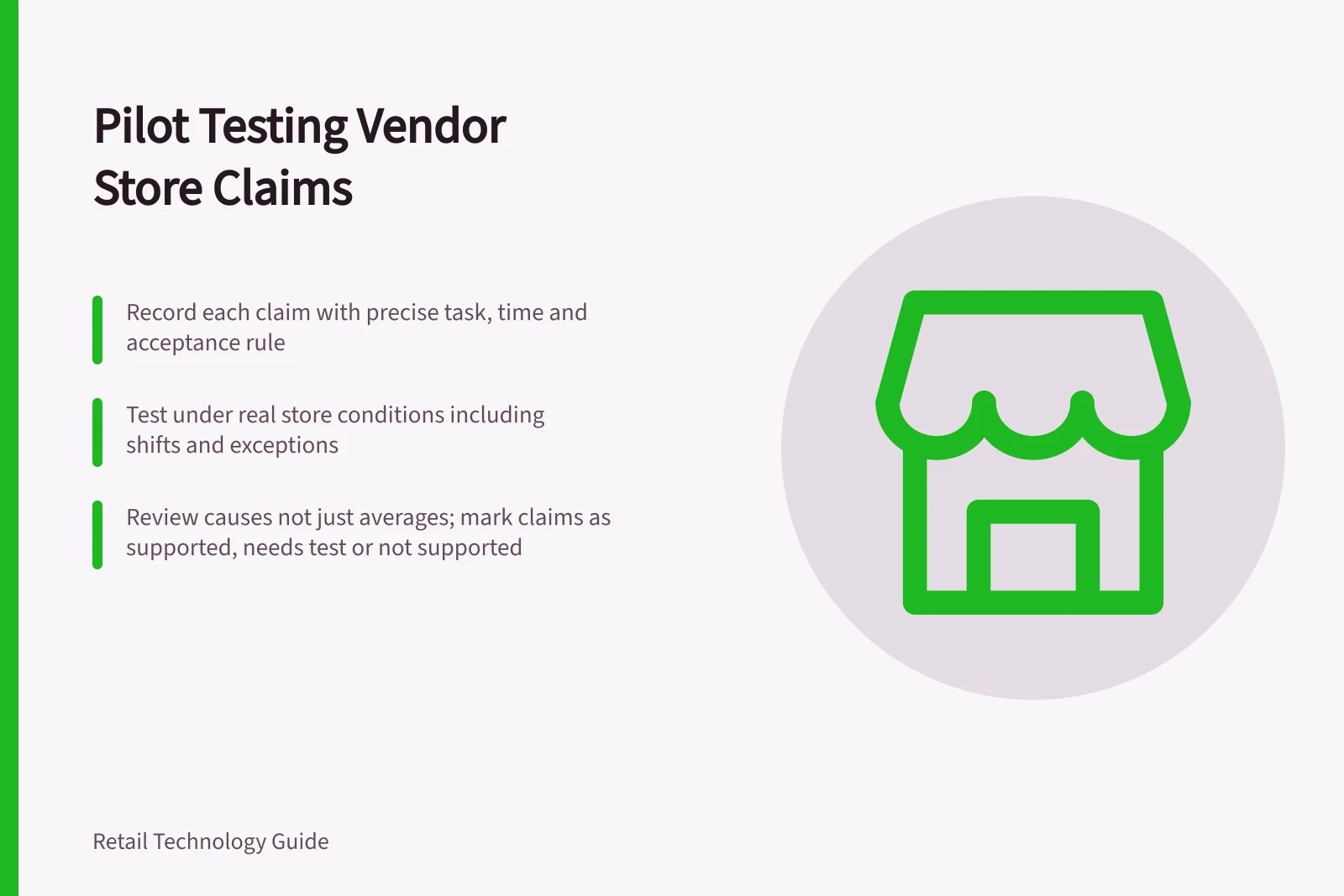
Ask the supplier to state each material claim precisely: the feature, proposed configuration, dependencies and measure. “Faster stock checks” needs a starting point, an ending point and a rule for incomplete answers. “Works offline” needs the exact steps available without a connection and what happens after reconnection.
For each claim, record the proposed proof and the retailer’s acceptance rule. Give priority to claims affecting customer promises, staff work, integration, support or cost. Leave optional features out unless they affect the purchase decision.
| Claim to examine | Pilot evidence to request |
|---|---|
| Staff can answer a stock question | Completed answers, elapsed time and unanswered cases under the same definition as the baseline |
| Updates reach the store | Source change, arrival time, visible result and any manual correction |
| The service recovers from interruption | What staff can do during failure and what reconciles after restoration |
| Support handles a fault | Contact route, ticket trail and the point at which the affected task works again |
These are example claims and checks, not findings about a vendor.
Record and control the test conditions
Write down the product version, devices, integrations, data used, store area, shifts and trading conditions. Name who may change the configuration and log each change. Use the same task definition for the existing process and the proposed tool. Include ordinary work and relevant exceptions, such as a missing item or a request crossing a shift handover.
The vendor can help configure the test, but the retailer should retain the underlying observations and decide whether each result meets the agreed rule. Check samples of successful and failed cases against what staff actually experienced. A dashboard count alone may omit work completed by another route. Agree on permitted test data and access before connecting a supplier to store systems.
Review causes, not just averages
Keep a brief issue log: task, time, condition, observation, suspected cause, owner and resolution. Distinguish a product defect from poor source data, an installation problem and a staff procedure that needs changing. Record downtime and manual work. An average can conceal failure in an exception the store needs to handle.
At review, mark each claim supported under the tested conditions, needs another test or not supported. Note conditions not covered, including other layouts, devices and regional support arrangements. A simulated support contact can show how a case enters the service path; it cannot prove future restoration times. If an essential claim remains unverified, hold the purchase or specify a checkable acceptance condition in the proposed contract.