Store Networks
Part of RFID and retail inventory visibility
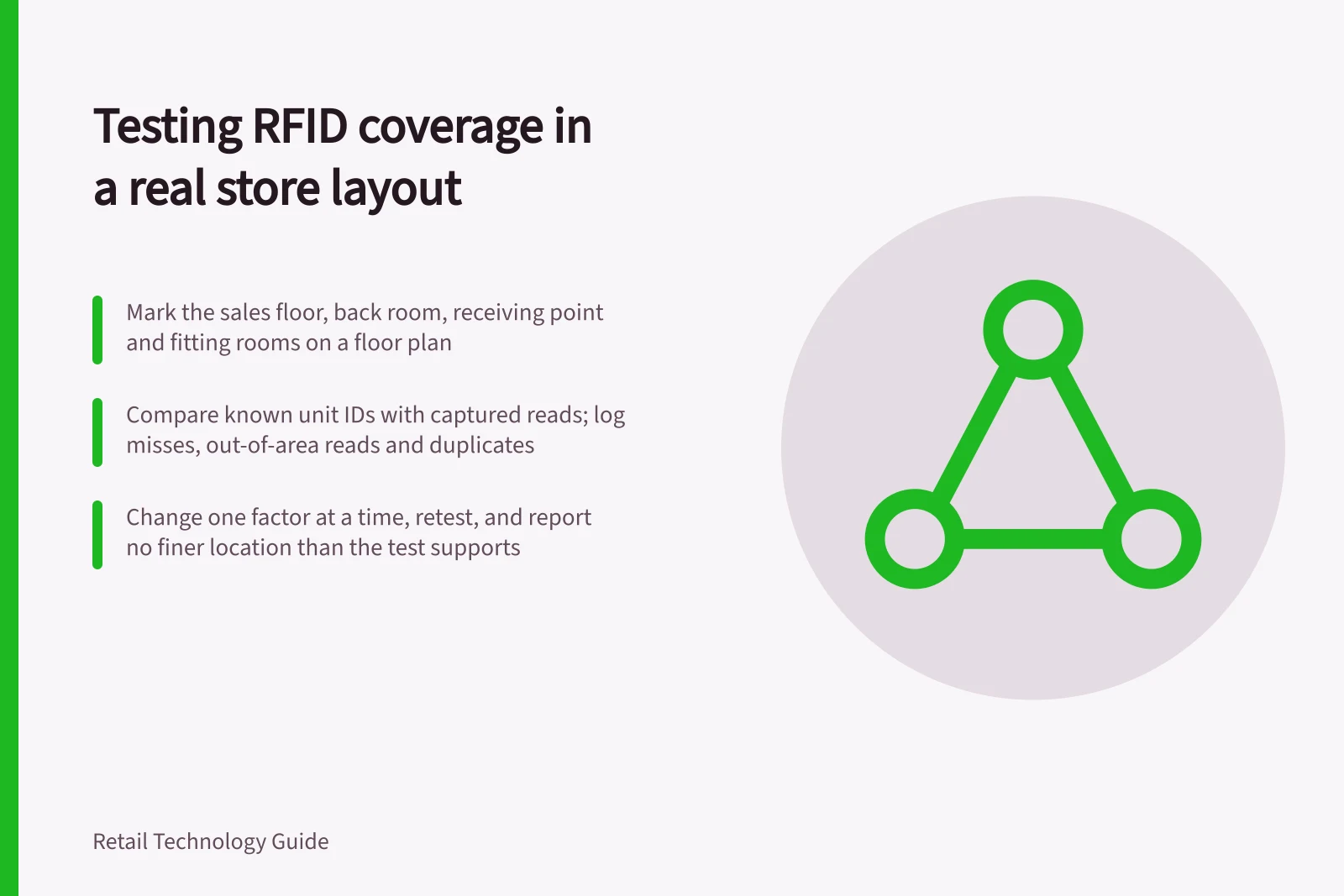
Testing RFID coverage in a real store layout
Plan a store RFID coverage check using known tagged items, real fixtures and boundary tests for missed and unexpected reads.
Test RFID coverage using the tagged products, fixtures and reader positions the store will use. Check both intended items missed and items in neighbouring areas read unexpectedly. A successful demonstration in an empty area does not show how a reader performs during ordinary trading.
Coverage test workflow
- Mark the intended read areasUse a floor plan to mark the sales floor, back room, receiving point and fitting rooms, then state which items belong in and out of each read set.
- Build a known test setList physical test units and their unique identifiers, confirm each tag in a controlled check, and place known units inside and just outside the area.
- Check reads and boundariesCompare the known list with identifiers captured in a defined window: misses, adjacent-zone reads and repeated reads, with presentation, settings and route recorded.
- Repeat after ordinary changesRetest with a rail at usual density, garments moved or a delivery nearby, changing one factor at a time where practical.
- Keep a usable recordRecord the product set, fixture, reader, settings, window, positions, misses and out-of-area reads, and set a decision rule for the task.
Mark the intended read areas
Use a floor plan to mark the sales floor, back room, receiving point, fitting rooms where relevant, and boundaries between areas. For each handheld route or fixed reader, state the task: counting a rack, checking goods at a receiving point or detecting a doorway event. Define which items should be included in the read set and which should be outside it.
List fixtures and products that may change readability: dense rails, folded stacks, metal shelving, foil packaging, liquid products, locked displays and mixed tag orientations. Auburn University's tagging guidance identifies metal, foil, water-based liquids and closely placed tags as concerns. The store still needs to check its own assortment and layout.
Readability factors to list for each fixture
- Dense rails
- Folded stacks
- Metal shelving
- Foil packaging
- Water-based liquid products
- Closely placed tags
- Locked displays
- Mixed tag orientations
Build a known test set
List the physical test units and their unique identifiers. Confirm each tag is attached to the intended product and readable in a controlled check before judging coverage. Include representative packaging, tag positions and stock density. A wrongly encoded or unreadable sample would confuse the coverage result.
Place known units in each intended area and additional known units just outside it. Record their positions.
For a handheld count, define the route, approximate distance, pace and permitted repeat passes. For a fixed reader, record its mounting position, antenna orientation and settings. Have the supplier confirm that the equipment configuration is suitable for the proposed Australian deployment.
Handheld count versus fixed reader: what to define
- Handheld count
- Define the route, approximate distance, pace and permitted repeat passes.
- Fixed reader
- Record the mounting position, antenna orientation and settings.
- Both deployments
- Have the supplier confirm the equipment configuration suits the proposed Australian deployment.
Check reads and boundaries
At each fixture, compare the known list with identifiers captured during a defined read window. Record:
- intended units detected and missed;
- units read from an adjacent fixture or zone;
- repeated reads of one identifier, deduplicated for the item count;
- product presentation, reader settings and operator route where applicable.
Repeat the check after ordinary changes, such as a rail filled to its usual density, garments moved or a delivery placed nearby. If a miss occurs, change one factor at a time where practical, then test again. Recheck the boundary too: a change that improves reads in one area may increase unwanted reads from another.
A read shows that a reader captured a tag identifier; it does not establish that the item is inside the reader's named zone. Even a doorway event needs a validated read area and a movement rule before it can support an inference about where an item went. Report no finer location than the test supports.
Keep a usable coverage record
Record the product set, fixture, reader and settings, test window, known positions, intended reads, misses and out-of-area reads. Note conditions that could not be tested during normal trading. An overall read percentage can hide a persistent blind spot or a boundary that captures the next zone, so review results by task and area.
Set a decision rule for the task. A handheld stocktake may allow a second pass and an exception search. An automated movement process may need a manual check where adjacent zones cannot be distinguished.
If coverage remains uncertain, narrow the claimed zone or change the tag, reader arrangement or process. Repeat relevant checks after changes to the layout, fixtures, product range or equipment.
Fields for a usable coverage record
- Product set and unique identifiers
- Fixture
- Reader and settings
- Test window
- Known positions
- Intended reads and misses
- Reads captured from an adjacent fixture or zone
- Conditions that could not be tested during normal trading