Self-service Devices
Part of Smart fitting room technology
Testing accessibility in a digital fitting room
Test smart fitting-room access with people using different input methods and preserve an equivalent human-help route.
A fitting-room screen can work in a demo and fail in a real cubicle. Test the complete interaction after installation, with the room’s lighting, layout, noise and time pressure.
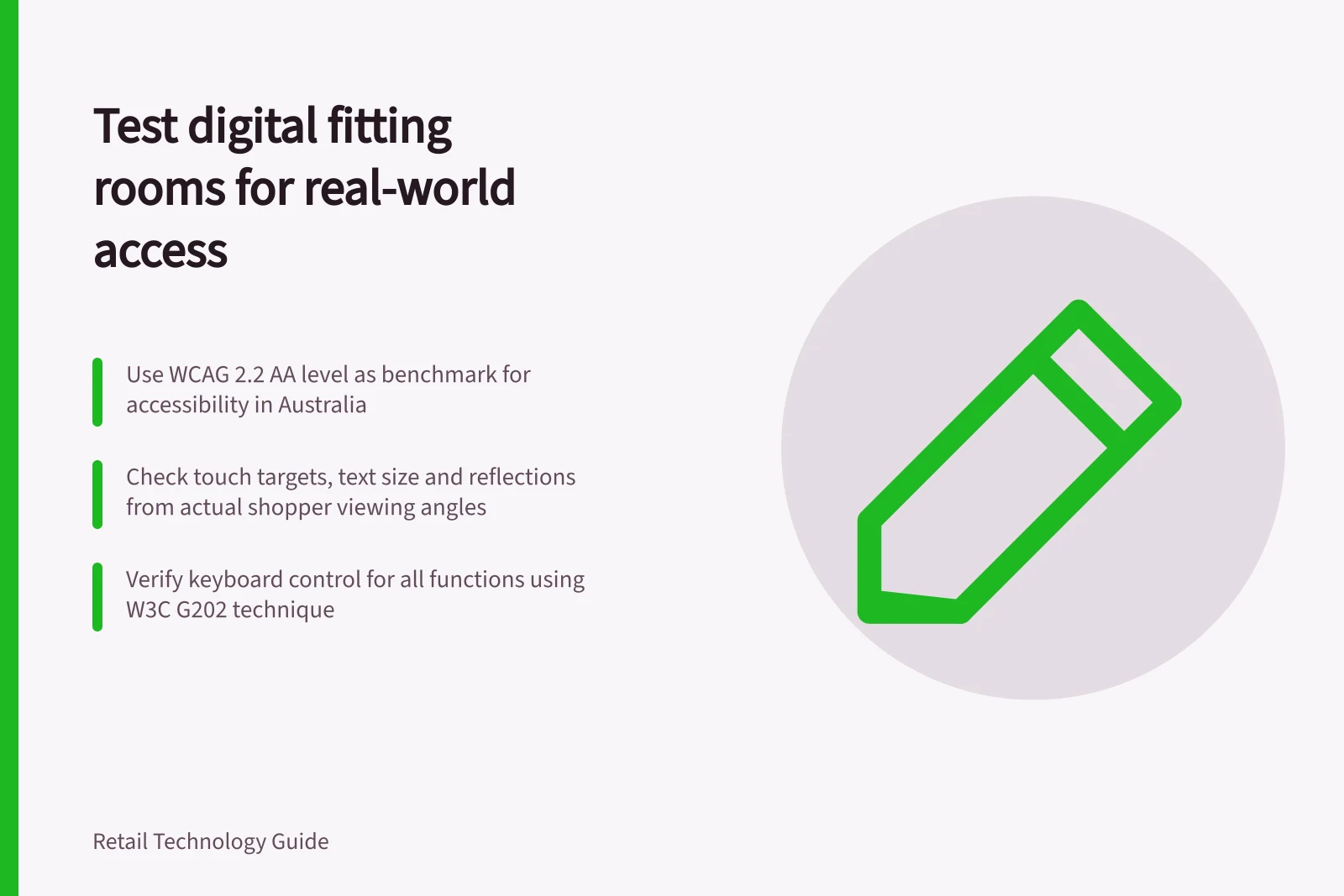
Use WCAG 2.2 as the digital-accessibility benchmark and consider Australia’s DDA as legal context. WCAG has conformance levels A, AA and AAA; assess the actual interaction in its installed setting.
WCAG 2.2 Conformance Levels and Legal Context in Australia
- WCAG 2.2 Conformance Levels
- A, AA, AAA
- Recommended Standard
- AA level compliance for digital accessibility in retail
Check the physical setting
Check whether a seated shopper can reach and see the controls, and whether there is enough space to approach without blocking the door or clothing. Check that using the feature does not expose personal information to the next occupant.
Check text size, contrast and reflections from the viewing angles people will actually use. A QR option on a phone may help some shoppers but excludes others who lack a device or prefer not to use one.
Check the interaction
Try every essential task: identify an item, request another size, correct a mistaken choice and learn whether the item is coming. Check whether touch targets are usable and whether the interface requires a precise swipe or a quick timed response.
Check the digital interaction against relevant WCAG 2.2 success criteria: 2.1.1 Keyboard; 2.5.1 Pointer Gestures; 2.5.2 Pointer Cancellation; 2.5.3 Label in Name; 2.5.4 Motion Actuation; 2.5.5 Target Size (Enhanced); 2.5.6 Concurrent Input Mechanisms; 2.5.7 Dragging Movements; and 2.5.8 Target Size (Minimum). For complex or timed gestures, check for an alternative single, untimed pointer gesture and whether touch targets can be positioned and activated.
Test keyboard control for every function under 2.1.1 Keyboard (Sufficient). W3C technique G202 describes checking each function using only a keyboard, including functions otherwise performed with a mouse and keyboard together; it is an example technique, not a required method.
Try the input methods available on the installed system, including mouse, touchscreen, keyboard, speech input, switch devices and on-screen keyboards. Check whether people can use different input methods concurrently or switch between them, as described by WCAG 2.5.6 Concurrent Input Mechanisms.
Include people with relevant access needs in testing in the installed room and compensate them appropriately. Treat a task as passing only when a shopper can complete it using the tested method, without assistance they did not choose, and can tell whether the item is coming.
Record the task, input method, room conditions and outcome for each test. Fix failures and retest the interaction in the same installed context; keep a dependable non-digital route to the same help.
Crave Retail describes an in-room screen that recognises the item a shopper brings in and lets them request another size, colour or item. These features do not establish that the installed screen is accessible; test its actual configuration with users.