Inventory Visibility
Part of Click-and-collect store technology
Tracking an order from picking to customer pickup
Define useful picking, ready and collected states, record exceptions and keep the order trail aligned with the parcel.
Track a collection order through changes that affect the customer’s promise or the parcel’s location. At each stage, staff should know what is true, who confirmed it and what must happen next.
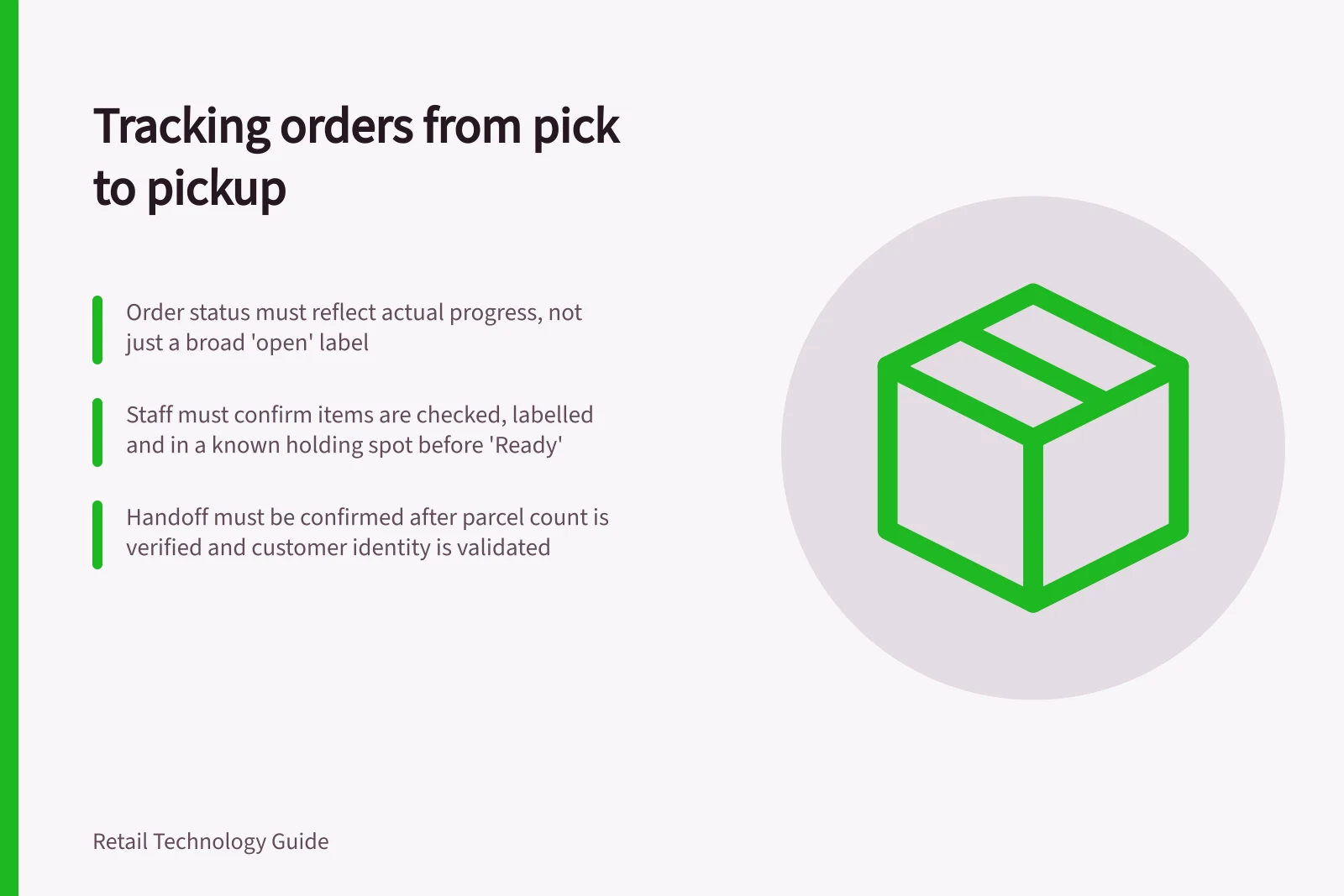
A broad “open” status hides useful detail. “Ready” should mean the goods have actually been checked and set aside.
Define states staff can act on
The following is a suggested store model, not a list of status names used by every product.
| State | What staff confirm | Next action |
|---|---|---|
| Accepted | Order, collection location and requested items are visible | Assign picking |
| Picking | A colleague has the current item list | Locate and check items |
| Exception | An item or instruction cannot be fulfilled as shown | Resolve it before promising readiness |
| Ready | Contents are checked, labelled and in a known holding spot | Send or confirm the ready message |
| Collected | The right parcel was released to the customer or authorised collector | Record the handoff |
Shopify's help centre includes a topic on fulfilling a pickup in store order. Square's Australian Order Manager documents in-progress, ready and completed statuses, and an activity log. The store still needs a rule for when staff may move an order between stages.
Order Tracking Stages from Picking to Customer Pickup
- AcceptedOrder, collection location and requested items are visible
- PickingA colleague has the current item list
- ExceptionAn item or instruction cannot be fulfilled as shown
- ReadyContents are checked, labelled and in a known holding spot
- CollectedThe right parcel was released to the customer or authorised collector
Record events that explain the order
Keep the order reference, collection location, current items, status, time of change and the colleague or system responsible. Add a parcel or shelf reference once goods are set aside. Give an exception a reason and an owner so someone can resolve it.
For example, an internal trail might show: picking assigned; one variant unavailable; customer contacted; replacement agreed; contents rechecked; bag placed in its holding spot; ready message sent; parcel handed over. This is an illustrative sequence. It shows why a timestamp without a reason can be unhelpful.
Keep “message sent” separate from “message received” unless delivery can actually be verified. If an item changes after a ready message was sent, retain the earlier event and record a correction. Staff need to see that the parcel and the customer’s last message may disagree.
End-to-End Order Trail Example
- EventPicking assigned
- EventOne variant unavailable
- EventCustomer contacted; replacement agreed
- EventContents rechecked; bag placed in holding spot
- EventReady message sent
- EventParcel handed over
Benefits and Risks of Using Automated Status Updates
- ProsImproves consistency; reduces manual errors; supports audit trails for ATO compliance
- ConsMay misrepresent reality if not tied to physical confirmation; risks sending wrong messages if system lags
Confirm the handoff
Find the order by a stable reference. Check its collection location, current status and parcel label. Use the retailer’s identity procedure to distinguish the customer or authorised collector from someone with a similar name.
Confirm the parcel count before release. Mark the order collected after the handoff, not when the customer joins the queue.
If only part of an order is present, pause and agree what the customer will receive. Square's activity log records events such as items added, removed, updated and completed, and fulfilment state updates, but the retailer must check how its configuration represents a partial order and what message reaches the customer. A single collected action must not conceal an unresolved item.
Key Actions to Confirm at Each Stage
- Find the order by a stable referenceUse order ID or customer name with ABN verification if required
- Verify collection location and statusEnsure the correct store and pickup point match the system
- Confirm parcel count before releaseMatch physical count to system record
- Mark order as collected after handoffNot when customer joins queue
- Handle partial orders carefullyAgree what the customer receives; do not mark as complete prematurely
Check exceptions
Rehearse a wrong variant, similar customer names, early arrival, cancellation and temporary loss of system access. For each, check whether pickers and counter staff see the latest state, whether the parcel agrees with it and whether the customer gets an accurate answer. Record missing or contradictory events in a pilot. These are proposed checks, not reported results.