Store Networks
Retail store networks
Plan a retail store network around essential tasks, shop-floor coverage, guest access, fault reporting and an outage procedure.
A retail store network needs to support the tasks staff and customers rely on during trading. Start with those tasks, then plan device connections, shop-floor coverage, access boundaries, fault reporting and an outage procedure.
Map the work and its connections
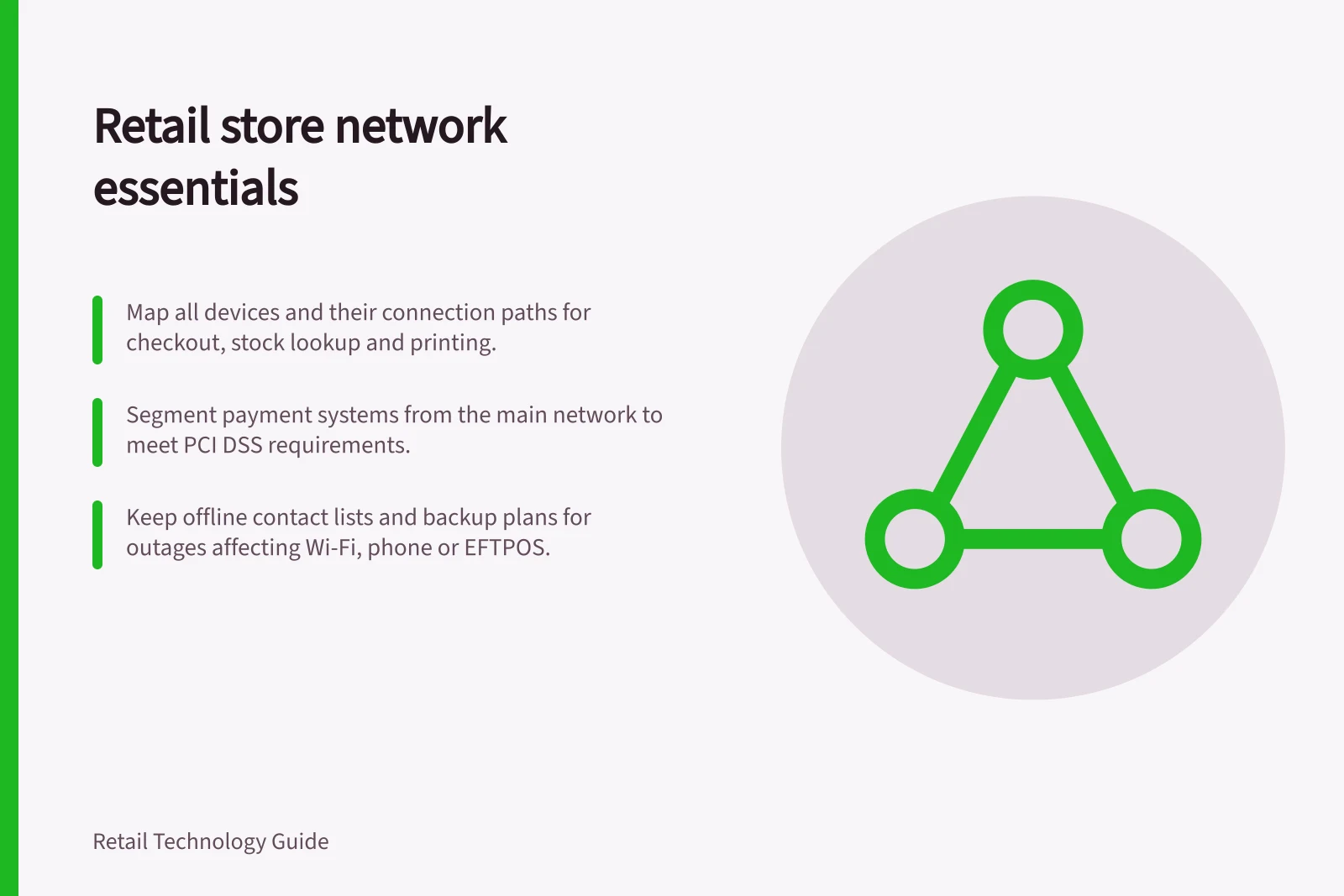
List checkout and EFTPOS equipment, staff handhelds, stockroom computers, printers and any customer Wi-Fi the store uses. For each device, record the service it needs, its wired or wireless path, and what staff should do if the path fails.
Confirm payment-terminal connections and fallback options with the payment provider; a working Wi-Fi signal does not establish that a payment can be completed.
| Store task | Question to answer |
|---|---|
| Take a payment | Which terminal, service and connection are involved, and how will staff check an uncertain result before retrying? |
| Look up stock | Where must the handheld work, and is there an approved alternative? |
| Print a collection label | Which system and printer must communicate, and how will staff identify a parcel if printing stops? |
| Offer guest internet | How does guest traffic reach the internet without reaching business systems? |
Check the layout and access boundaries
Use cables where suitable for fixed equipment. For mobile tasks, check counters, aisles, receiving areas and the stockroom along the routes staff use. A wireless survey should account for client devices, applications, capacity, interference and equipment placement.
Validate the installation in the finished layout, then have staff complete representative tasks on their usual devices. Recheck after significant layout or device changes.
Give guest access a separate, controlled route. A different Wi-Fi name or password does not establish that a guest device cannot reach a till, printer or management interface. Record permitted connections and have an authorised technician verify the boundary.
Set a clear boundary around payment systems
With the retailer's payment adviser, assess the actual cardholder data environment. The PCI Security Standards Council considers all network components part of this environment unless adequate segmentation isolates systems that store, process or transmit cardholder data from those that do not. Without proper segmentation, the whole network is in scope for PCI DSS.
Allow access only from systems that need it, and prohibit access from others. Verify that scope-reduction controls are effective and assess whether connected systems provide a path into the environment.
Make faults actionable
Monitor enough of each connection path to distinguish a local equipment fault, a failed internet link and a business task that cannot be completed. A gateway's online status does not prove that checkout or an order lookup works. Give each alert a store, symptom and owner, and tell staff how to report the trading effect.
Keep an incident record of first detection, staff confirmation, provider contact, action and restoration of the affected task. Review repeated faults by store and equipment type.
Plan reduced service
Choose which tasks must continue during an outage. A second connection needs adequate capacity and power for the gateway and local equipment; two links may also share a failure point. Check the proposed paths and rehearse both failover and recovery with the systems that matter.
Australian Government guidance recommends planning for communications outages and keeping support contacts available. It advises not relying on a single form of communication: phones, Wi-Fi and EFTPOS may all stop working during a network outage. Where practical, consider different providers for phone and internet services, or SIM cards from different providers.
Keep continuity information available offline
Australian Government guidance lists natural disasters, technical faults, interrupted power and damaged equipment among the causes of network outages. Any of these may affect a store’s phone service, Wi-Fi or EFTPOS, so an outage plan should account for more than a failed internet link.
Keep important business information backed up online and consider retaining physical copies. Keep hard copies of contact details for colleagues, technical support, vendors and clients so staff can find the right contact when online records are unavailable.
Make the continuity plan usable in the store
Involve staff in continuity planning and make sure they know what to do during an outage. For emergencies, Australian Government guidance advises listening to local news outlets while available and following emergency personnel’s directions; the safety of staff and colleagues takes priority.
For payment continuity, the guidance suggests considering EFTPOS machines with a built-in SIM and Wi-Fi connectivity, and knowing the location of the closest ATM.
Agree on acceptance evidence
Ask for a store diagram showing device locations, cabling, access points, network zones, internet paths and support owners. Before accepting the installation, check representative tasks, guest-to-business access controls, alert delivery and the outage procedure in the proposed configuration. Record exceptions and their owners before using the design elsewhere.
In this guide
- Planning reliable connectivity across a shop floorMap mobile tasks, survey the store layout and check that staff devices complete their work across the shop floor.
- Verify shopper Wi-Fi isolation from store systemsUse a store-specific access-path list and witnessed checks to accept, revise or hold shopper Wi-Fi isolation from tills, staff and payment systems.
- Monitoring internet outages at several storesUse store, link and task signals to investigate internet outages, route alerts and record incidents across locations.
- Preparing backup connectivity for critical store devicesPrioritise store tasks, check shared dependencies and rehearse failover and recovery for critical retail devices.