Self-service Devices
Part of Retail kiosks and self-service devices
Planning assistance when a kiosk fails
Give shoppers a clear next step and staff a safe handoff for kiosk faults, uncertain results and payment interruptions.
When a kiosk stops, the shopper needs an accurate next step, and staff need a way to finish or safely stop the task. Plan that response before launch. An error screen is especially unhelpful if it leaves someone unsure whether an order or payment went through.
Match the response to the failure
A frozen screen, unavailable product, failed printer and interrupted payment call for different responses. A printer fault may leave a completed transaction without a paper receipt.
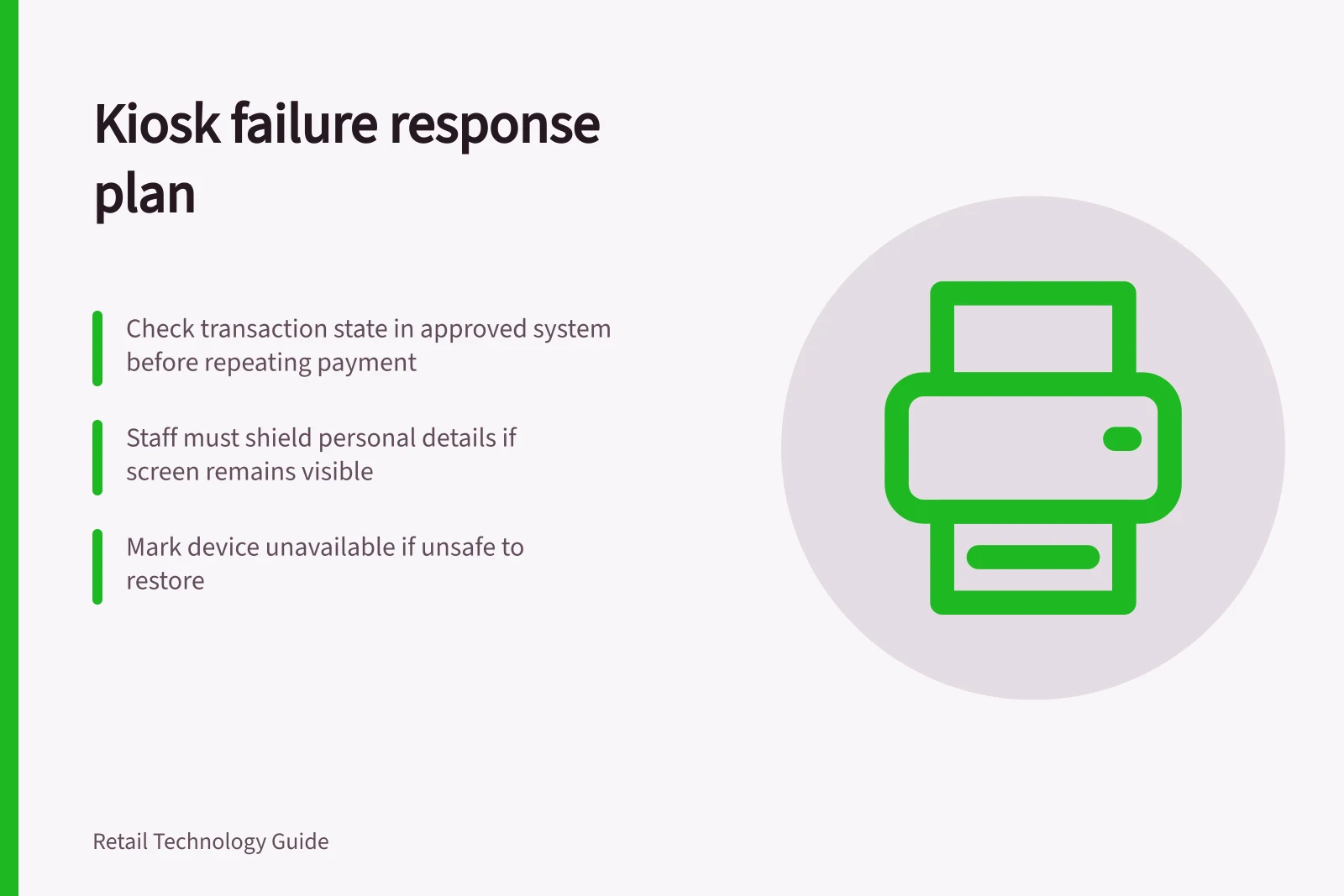
After a payment interruption, staff should check the transaction state in the approved system before asking the shopper to try again. A blank screen alone does not establish that payment failed.
For each likely failure, write a message that states what is known, what remains uncertain and how to get help. Do not show a technical code as the only explanation. W3C guidance says automatically detected input errors in web interfaces should be identified and described in text. Use that as a principle for clear kiosk messages while assessing the whole device separately.
Give staff a usable handoff
A help request should identify the device and task stage without displaying unnecessary personal details to nearby shoppers. Give staff an approved way to find an order or transaction, and define which actions they may take. Payment and account changes should be limited to authorised roles.
| Situation | Immediate staff response |
|---|---|
| Result is confirmed | Explain or provide the result. |
| Result is uncertain | Check the governing system before repeating an action. |
| Personal details remain visible | Shield or end the session under the store procedure. |
| Payment terminal appears altered | Stop using it and contact the terminal provider or merchant bank. |
| Device cannot be restored safely | Mark it unavailable and offer an accessible service route. |
The PCI Security Standards Council advises merchants to inspect payment terminals for tampering and contact their terminal provider or merchant bank if anything suspicious is found. A software fault alone is not evidence of tampering.
Assign and rehearse the response
Name the shift role that receives requests, the technical contact that diagnoses the kiosk and the team that resolves order or payment uncertainty. Keep their contact route available to staff. If no one can assist during part of the day, decide whether that kiosk task should remain available.
Rehearse an abandoned session, lost connection, failed scan, missing confirmation and uncertain payment with store staff. Check what shoppers see, what staff can verify and when service may resume. Record the cause of each simulated failure and whether the proposed response gives the shopper an answer.